
Labels:
LG,
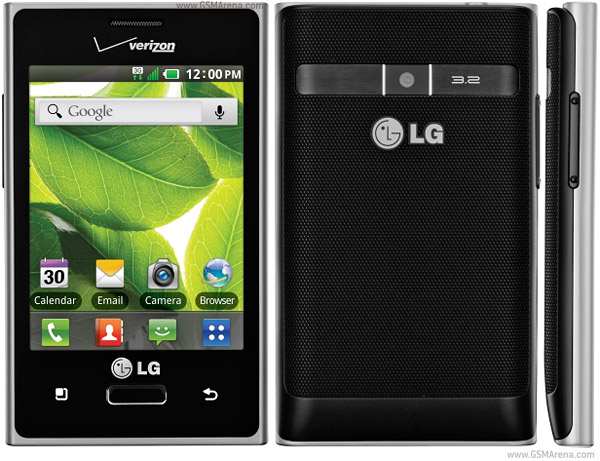
Optimus Zone
HEY THIS IS ANDROID ADMIRER HERE WITH A GUIDE TO ROOT THE ZONE
1. DOWNLOAD THIS ROOT PACKAGE
http://www.dropbox.com/s/y3w8kk4cdgj...mus%20Zone.zip
2.extract it to whereever you like
now
4. Connect-up your LG, put it in debug mode. Check in "Devices and Printers" to see if the device installed properly. If it did not (yellow bang) then you will need to right-click, choose the first yellow bang (hardware ID in the properties should match the above), and click "Change Settings" then "Update Driver".
5. If you have to manually update the driver, you may have to go about it the long way. I had to click "Browse my computer..." then "Let me pick from a list..." then "Have disk..." before browsing all the way to the Universal ADB folder, plus I had to click "OK" through several warnings.
6. Once the ADB USB drivers are installed, turn off debugging on your Optimus Zone. Leave the USB connected.
7. Start SuperOneClick 1.7, choose "rageagainstthecage" in the top right, and click "root" on the left.
8. When "Waiting for device" shows up, turn on debugging on the Optimus Zone. Let SuperOneClick do its thing (takes a few minutes)
9. Once everything looks done run the test. Now, disconnect and power cycle your Optimus Zone
10. SuperUser may not work; simply update it from playstore
0 comments:
Leave a Reply