
Labels:
LG,
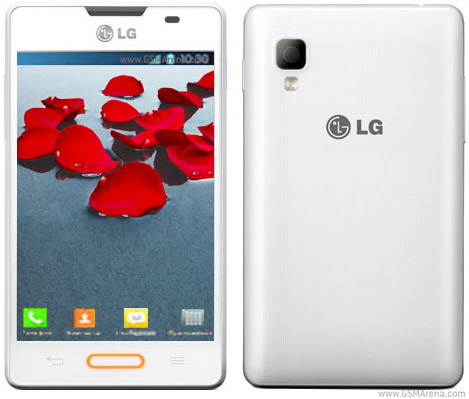
Optimus l4 2
Download THIS PROGRAM (VROOT) Install Program Enable USB Debugging in settings (TICK CHECK-BOX IN Settings>>>Developer options>>>USB debugging){Opciones de desarrollador USB ON} Plug your phone to PC using usb cable in "LG software" / "debug" mode If you are connecting your phone to your pc for the first time you need to install lg drivers from first autorun when phone plugged in ( If autorun disabled navigate to lg removable drive and run LGAutoRun.exe) follow on-screen instructions or download drivers from LG Official Website HERE
Ensure all drivers have installed correctly (no yellow triangles in "Device Manager")
Run VROOT As Administrator On PC
program will connect to your phone and tell you your phone model and if phone is rooted (obviously our's is not)Click ROOT in right bottom cornerprogram will install Chinese sync/managment app (you can remove app later) on your phone and install Kinguser superuser app on your phone (you can replace this with your favourite superuser app)Your phone will reboot when completed
0 comments:
Leave a Reply