
Labels:
HTC,
One M8 CDMA
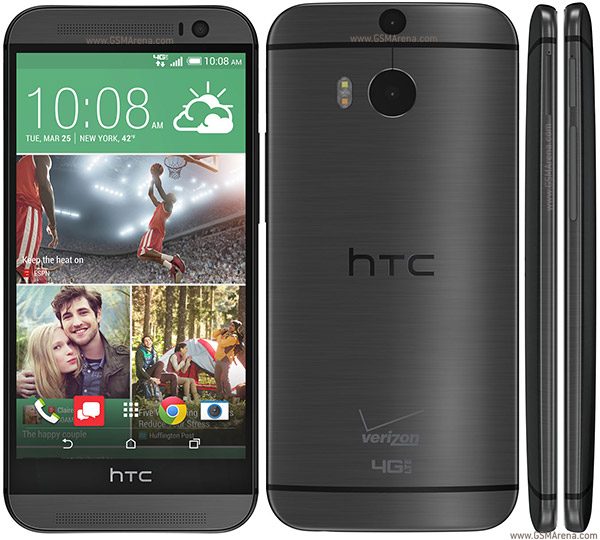
How to root,Unlock and gain S-Off on Verizon HTC One M8
Device Also known as HTC M8, All New HTC One
- Download the HTC One M8 (CDMA) drivers from here and install the same on your computer.
- On your phone go to “settings -> security -> screen lock -> select “none”.
- Also, go to “settings -> power / battery” and uncheck the option dubbed as “fastboot”.
- Download the Rumrunner tool from here and place the same on desktop.
- Unzip the Rumrunner package on your computer.
- From the folder that will be obtained run the “soju.exe” executable file with admin rights (right click on the file and select “run as administrator”).
- Take your handset and its USB cable.
- By using both connect your Verizon HTC One with the computer.
- On the cmd window from your computer select “yes”.
- Press enter key.
- Now the program will do its thing.
- In the end, your HTC One will be rooted, with S-Off and with an unlocked bootloader.
0 comments:
Leave a Reply