
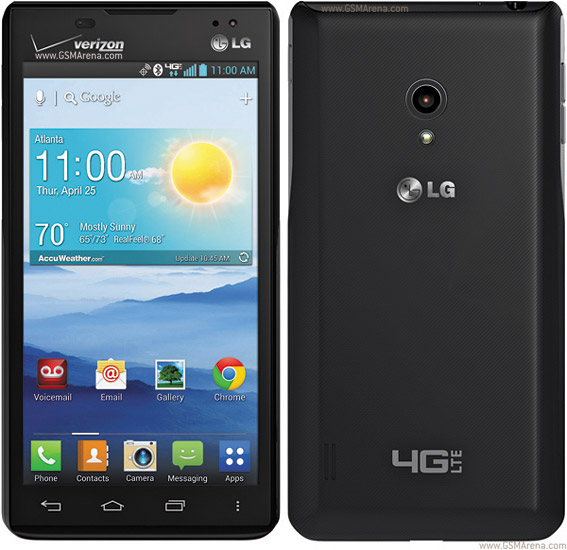
Root LG Lucid2 VS870 (Verizon)
- Download the package.
- Extract the contents of the zip.
- Ensure you have installed the drivers for your phone.
- Connect it to USB, wait for it to be detected.
- Double-click run.bat, follow on-screen instructions. Mac and Linux users, open the file and follow along, it's just a set of ADB commands.
- Let it finish, continuing to follow instructions.
That's it! Your device will autoreboot. You will be rooted.
Downloads
Download Root Package (Mirror)
0 comments:
Leave a Reply