
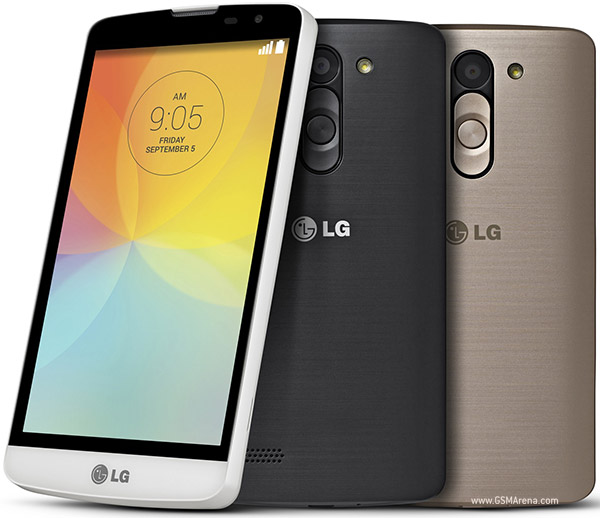
Things to do Before Rooting LG L Bello D335 & D331:
- A LG L Bello D335 or D331 Android smartphone.
- A PC or Laptop with Working Internet connection.
- We recommend you to take a backup of your data in the mobile using PC suite or any other method. After the process, the data won’t be deleted. In case if you miss some data you can restore it from the backup file.
How to Root LG L bello D335 & D331:
- First Download the Vroot on your computer – here
- Run the setup and install it on your computer.
- Make sure you have installed the LG Drivers on your PC.
- Now open the installed software on your computer.
- Then connect the mobile with PC using original USB Data cable that you got when you bought the phone. Using other cables may not detects on the computer.
- The Vroot will try to detect the device. Wait for the process to complete.
- Then it will check your device, whether your device having root permission or not. After that click “root” button.
- Wait for the process to complete.At the end of the process, click the “complete” button. And reboot the device.
- Now check installed apps. SuperSU app is installed. This means your device is rooted.
- Or download the root checker app from play store to check the phone.
Device Available as:
LG D331 with single SIM
LG D335 with dual SIM
How to Root LG L Bello (D335,D331)
Subscribe to:
Post Comments (Atom)
0 comments:
Leave a Reply