
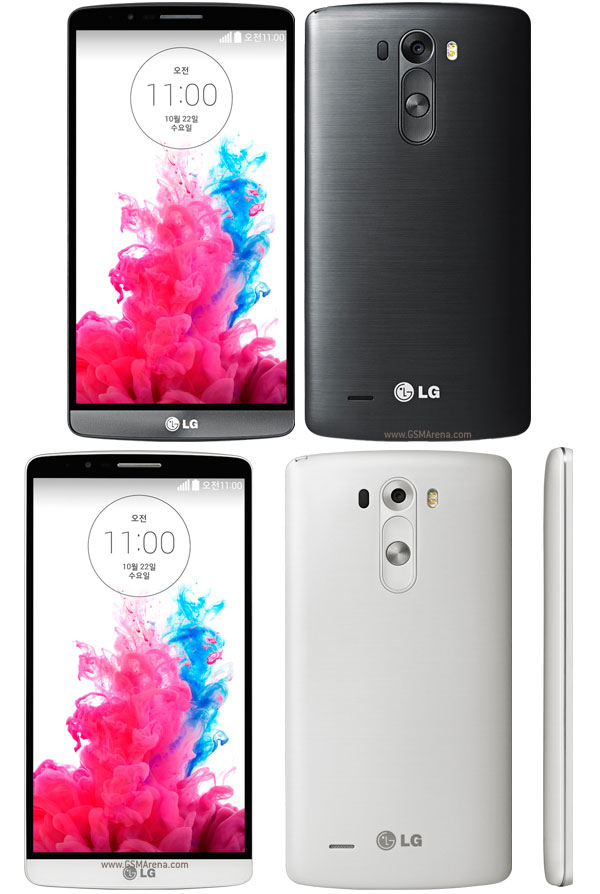
 OWNERS OF OTHER LG G3 VARIANTS ARE WELCOME TO TRY! IMAGEPREP: ONE-CLICK SCRIPT (MODIFIED) FOR LG G3Adding TWRP (targeted for the D855)So, I experimented a bit by modifying the script and tried on a non-D855 (mine is a D858HK) and I got it to work. I am therefore sharing this with the intention of making the initial work to be made compatible with other LG G3 models/variants too.
Disclaimer
(March 15, 2015 Update): please consider the fact that there are a lot of LG G3 variants. Hardware specs may exactly be the same, but it is possible that there may be key differences in the software. I exerted "best-and-reasonable" efforts to ensure that the script works properly while keeping in mind that there are other LG G3 variants. My LG G3 variant is a D858HK so if you are going to use this on your LG G3 variant you are, in a way, testing it "at your own risk".
So long as you have a full backup of your system, and that you have a custom recovery installed, consider this as an "educated and calculated risk". I am not even a developer or a programmer, and yet I am able to restore my device when I was doing my experiments. It's all about having presence of mind, attentiveness to details, and diligence in documenting every event so that you can reverse/undo it.
Additional Features that not already present in the original and modified script:
1. "Windows Bump" included to "bump" your custom recovery.img (TWRP) in case it is not yet bump'd.
2. KDZ and TOT Extractor Tool included to extract aboot.img and laf.img (with written guide on the script that you can easily follow).
3. Extracted image files (aboot.img and laf.img) will automatically be renamed properly and to the correct file extension (from .bin to .img).
4. Sharpening Mod Script of Skin1980 included (to be manually flashed upon reboot to TWRP Custom Recovery) - this will "bump" your Kernel (boot.img) and will apply your desired sharpening level of the LG G3's display.
What you need beforehand:
1. Your LG G3 KITKAT Firmware (KDZ)
2. Your custom recovery (TWRP) for your respective LG G3 model
How to use:
1. Extract the zip to a folder
2. Run (double-click) the "OneClick_ROOT_RECOVERY.bat" file
Download (v1.5):
https://mega.co.nz/#!1Nc1lSKD!vfiiTO5wIZP8bvtfZNEb4P7m0_8rCKl-Ltfv2iCjwu4
Device Also known as LG F490
0 comments:
Leave a Reply