
Warning!: make backups before you mess with any system files. After root please don't delete system files without a proper backup. Only delete files you know are safe to delete first. Thank you.
NOTE: I put the commands you need to copy in a code box so you can easily double click on the text to highlight only the code in the box.
1.Enable Developer Options by tapping build number Settings> About Phone> Software Information until you are presented with "You are now a developer"
In Developer Options enable USB Debugging (Enable PTP for debugging to work)
Download the root.zip and unzip it. Open a command prompt in the root of this folder, copy and paste these commands one by one. Make sure to press enter after each command:
adb.exe push lg_root.sh /data/local/tmp/adb.exe push busybox /data/local/tmp/adb.exe push UPDATE-SuperSU-v2.46.zip /data/local/tmp/2.Put your device in download mode (while powered off hold volume up and plug in usb until download mode is shown)
3.) In command prompt in the root of this folder run the below command
Send_Command.exe \\.\COM5
There are two ways to find out what com port to use. The easiest is to run the ports.bat file included in the LG Root.zip. Another way is to check the device manager in Windows.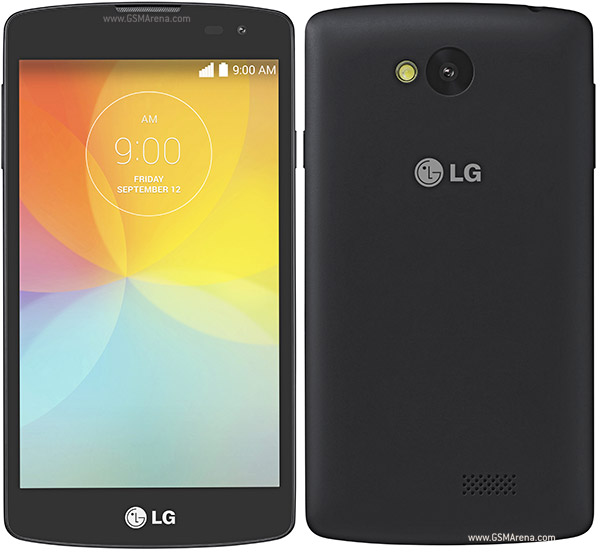
After running this command on the correct COM port you will be presented with a root shell # symbol
4.) Copy and paste this command right after the root shell symbol and press enter:
sh /data/local/tmp/lg_root.sh dummy 1 /data/local/tmp/UPDATE-SuperSU-v2.46.zip /data/local/tmp/busyboxYou should see something happening and not a return of a blank command. Once it's finished pull the battery and boot up your device is rooted.
Device also known as:
LG F60 D390N with single SIM
LG F60 Dual D392 with dual SIM
How to Root LG F60 (D390N,Dual D392)
Subscribe to:
Post Comments (Atom)
0 comments:
Leave a Reply