
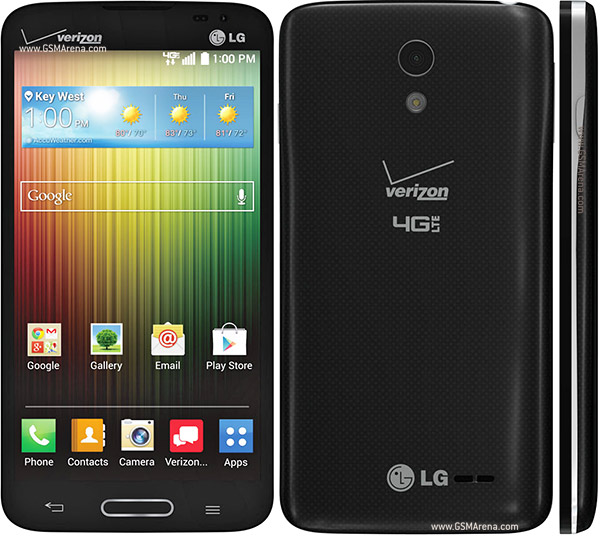
How to root the LG Lucid 3 (VS876)
To check whether your device got rooted or not, go to Play Store and download an app called
- Visit the website to download the rooting tool, click on Lamda sign to get the apk right to your phone PC.
- Enable the Unknown sources option on your device by heading to Menu > Settings > Security > Unknown sources.
- If you have downloaded the apk file on your computer then, just transfer that to your device via either Bluetooth or direct transfer by connecting your device to your PC using data cable.
- Launch the Towelroot app from your App Drawer.
- Tap on Make it ra1n button in the app, wait for the apps to do its task.
- When it’s done, it’ll say your device’s rooted.
- Now head over to the Google Play store and download and install SuperSU on your device.
- You are now fully rooted!
How to Successfully Root Verizon LG Lucid 3 (VS876)
Subscribe to:
Post Comments (Atom)
0 comments:
Leave a Reply