
Labels:
LG,
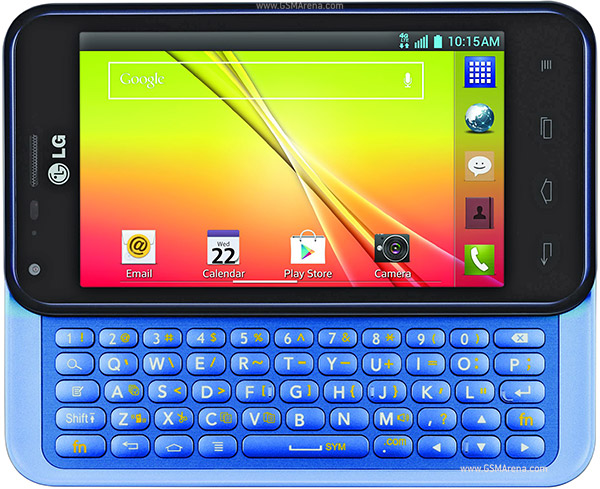
Optimus F3Q
1. Extract files from Saferoot by right-clicking on it and selecting Extract here.
2. Turn ON USB debugging on your device by going to Menu > Settings > Developer options > USB debugging.
3. Plug in your device to your PC using the USB cable.
4. A prompt should appear asking if you want to let this computer debug your device, tap on Always allow from this computer.
5. Double-click on install.bat available on your Desktop and it’ll start rooting your device.
6. Once it’s done, you should be rooted!
Download Saferoot Below :-
Saferoot
0 comments:
Leave a Reply