
Labels:
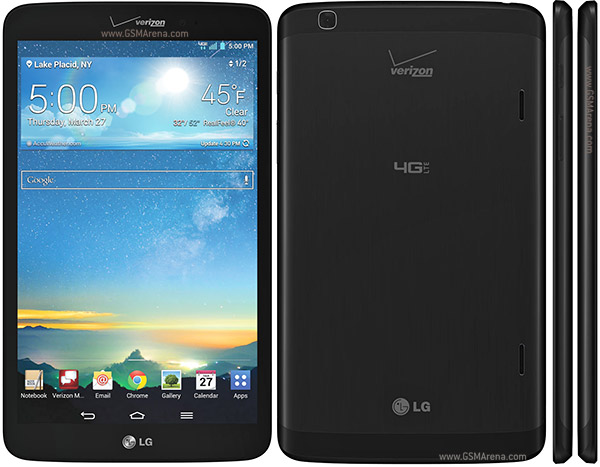
G Pad 8.3 LTE,
LG
How to Root Verizon LG G Pad 8.3 VK810 with Towelroot
- Download the copied tr.apk and Superuser.apk to phone’s internal or external memory
- Using ES File Explorer, navigate to the folder where you have placed both files
- Tap on tr.apk and begin installation
- Once done, jump to app drawer and run the application
- Now click on “make it ra1n”
- The phone will reboot itself after rooting
- Once rebooted, navigate to the folder where you have placed the superuser.apk
- Install it the same way as tr.apk
- Open SuperSU from app drawer and update SU binaries if required
- Now just keep following on-screen options
- Once the device has rebooted, you will have gained complete root access on LG G Pad 8.3 Verizon
- That’s it!
- Also install Busybox by using Busybox installer from Play Store, since some root apps require it
Downloads
For Verizon
- Towelroot APK (Click on lambda icon)
- SuperSU Update zip (Unzip and extract Superuser.apk from Common folder)
Also known as LG VK810
0 comments:
Leave a Reply