
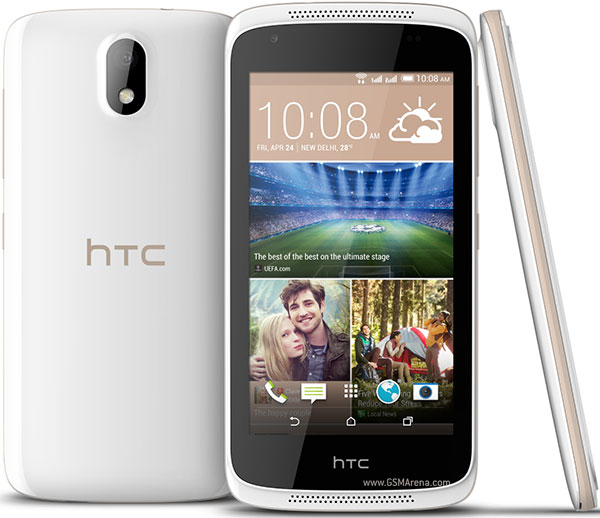
Root HTC Desire (326G) Dual Sim
1. Download Root_HTC_Desire.apk for HTC Desire 326G Dual2. Connect your HTC Desire 326G to your PC using the USB cable.3. Copy the Downloaded Root apk file over to the root of your SD card.4. Once it’s been copied, disconnect your device from your PC.5. Head to Menu>>Settings>>Security on your device and enable the Unknown sources option.6. Open the File Manager app on your device and install the app you copied earlier to your device.7. Once the app’s been installed, launch it from your App Drawer.8. Select Install SuperSU from the first dropdown menu.9. Select exploit, tap on it in the app.10. The app should begin rooting your device11. Reboot your device once it’s been rooted.12. You’re all done! Excellent! You’ve successfully rooted your Android device using the Super-Root.apk app and you should now be able to see the SuperSU app in your App Drawer!
How to Root HTC Desire (326G) Dual Sim
Subscribe to:
Post Comments (Atom)
0 comments:
Leave a Reply