
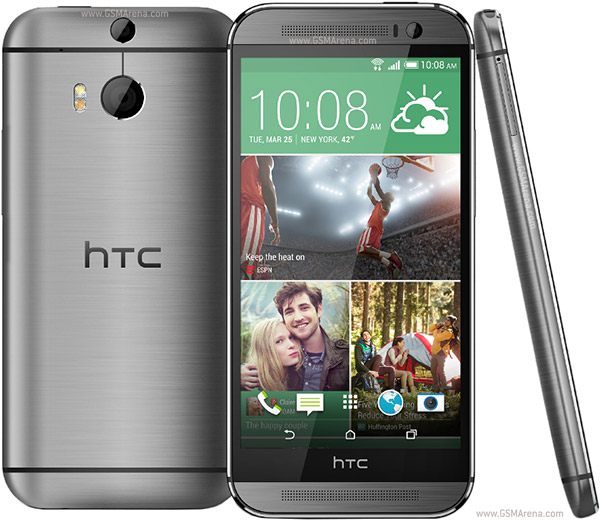
HTC One M8 Manual Root
-Download the stock recovery: http://forum.xda-developers.com/show....php?t=2723112
-Ensure the stock recovery img file is in the same folder as fastboot.
-Run the following command from command line: "fastboot flash recovery stockrecovery.img" without the quotes.
-Wait for the process to finish
-Reboot the phone. You now have the stock recovery along with root. With the stock recovery installed, you can now accept OTAs provided you haven't modified/deleted any stock system files. Any new OTAs you take will remove any files/folders you added to the system partition and will remove your root. However, with S-off, this can be undone. If you lost loot after taking an OTA, simply start from the beginning of the section "Recovery Rooting".
How to Manually Root Your HTC One M8
Subscribe to:
Post Comments (Atom)
0 comments:
Leave a Reply