
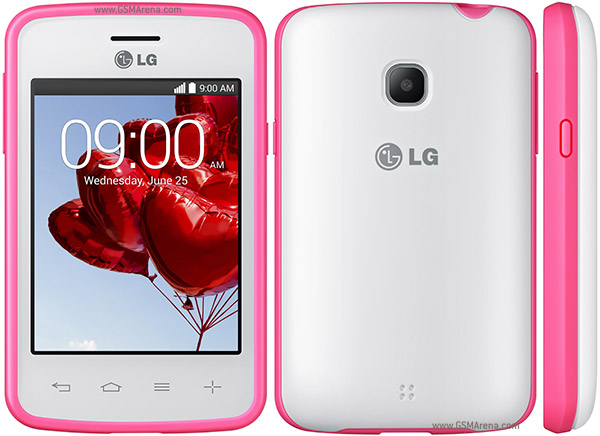
Steps to Root LG L30
Free download Kingo Android Root, install it on you computer (Windows only), and then launch it. Make sure you have Internet access.
Make sure USB Debugging mode is enabled on your Android device and allowed from your computer. How?Connect your device via USB
Read the notification carefully and be aware of the risks involved in Android rooting process.Click "ROOT" and wait
Click "Finish" to reboot your device. Voila! Your device is now rooted by Kingo Android Root.Root Succeeded
LG L30 Rooting Guide Using Kingo Root
Subscribe to:
Post Comments (Atom)
0 comments:
Leave a Reply