
Follow Below Steps to Root Your LG G Vista CDMA - VS880
First Download The RootKit Below:
Update.zip :
Link | Mirror
How to Root LG G Vista:
- First Format your external SD card to EXT2 or EXT4 partition, use a separate SD card if you don’t want to loose your data.
- Connect your device with PC.
- Copy the update.zip to the root of your Sdcard.
- Open Commnad prompt in fastboot folder, and type: adb reboot recovery
- In recovery, Highlight apply update from external SDcard
- Select it and confirm it.
- The process will start and it will take a little time to root your device.
- After the reboot, Check the Super SU app or use any Root checker app to verify
Device Also Available as:
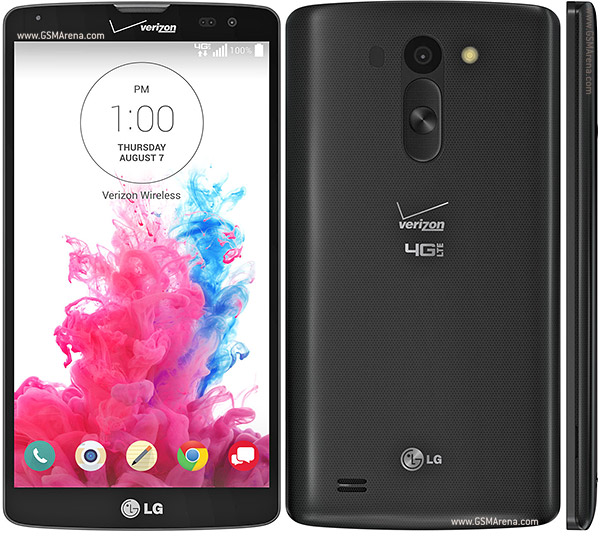
LG G Vista VS880 for Verizon
LG Gx2 for South Korea
How to Root Verizon LG G Vista (CDMA) VS880
Subscribe to:
Post Comments (Atom)
0 comments:
Leave a Reply