
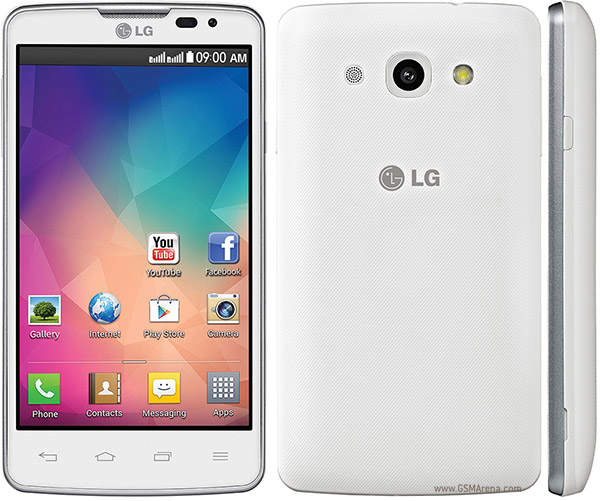
The new LG L60 Dual Dual-Core is a smartphone that meets the needs of many.
Small, practical, fast.
But you know: permission ROOT really allow you to open a new world of Android.
So let's see how to get permits Root sull'LG L60 Dual.
Step 1: Preparation of files and settings
A) download Framaroot from here
B) Be sure to have the battery charge to at least 50%;
Step 2: Obtaining permits ROOT
A) Copy Framaroot in the internal memory of your LG;
B) Look for it in the internal memory with a file manager (found on the Play Store) and installed Framaroot;
C) Open Framaroot and select "Gandalf". If you do not, try Sam or Frodo or with others, no bad negative impact, assured:
D) Wait a few minutes and ... .fine!
Upon reboot, your LG L60 Dual will have permissions ROOT!
Device Also known as LG L60 Dual X147
How to ROOT LG L 60 Dual (X147)
Subscribe to:
Post Comments (Atom)
0 comments:
Leave a Reply